




EA FC 27 - The Complete Guide For Web App
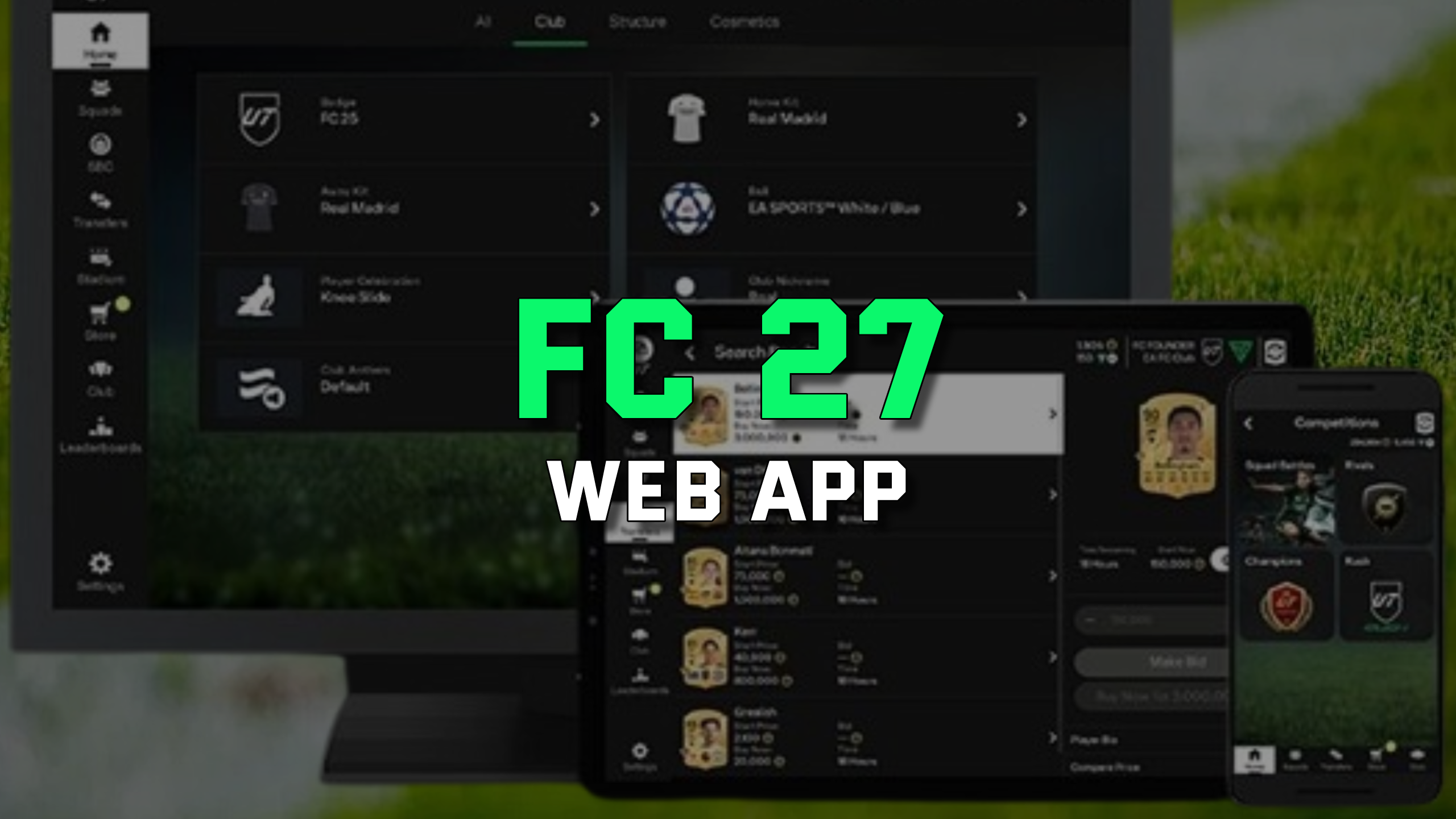
When does the EA Sports FC 27 Web App go live?
The FC 27 Web App is expected to launch on September 16, 2026, more than a week before the full game release. The mobile Companion App should follow a day later. This is standard practice that gives Ultimate Team players a head start of several days.
The FC 26 Web App will be taken offline roughly five days earlier. From that moment, the Web App will only support your FC 27 Ultimate Team club.
Being active on day one gives you a real head start on the market and in SBCs. You can build your starting budget faster with FC 27 Coins from SuperCoinsy.
How to access the EA Sports FC 27 Web App?
You can also sync the Web App with the official Companion App on iOS or Android. Both apps stay perfectly aligned, so changes in one appear instantly in the other.
Main Advantages of Using the FC 27 Web App
The Web App works on PlayStation, Xbox and PC (EA App, Steam, Epic). It does not support Nintendo Switch and you cannot play matches - that still requires your console or PC.
How to open or buy a pack in the Web App?
Go to the Store tab in the left menu. Available packs are displayed with their prices in FC Coins or FC Points, along with drop rate information.
Select a pack and click "Open Pack". Items are added directly to your club, where you can keep, sell or use them in SBCs. The Web App is especially efficient for mass pack openings and quick duplicate listings.
How to unlock the Transfer Market in the FC 27 Web App?
New players must complete the Foundations objective group. Tasks include playing matches (Rivals, Rush, Squad Battles), completing SBCs, scoring goals and assisting.
After finishing all objectives you will receive an in-game confirmation. Full access activates after 24 hours on console or 48 hours on PC.
Previous transfer market restrictions from FC 26 do not carry over, so you begin FC 27 with a clean slate.
Summary
The EA Sports FC 27 Web App is an essential tool for Ultimate Team players who want flexibility and speed. From trading and SBC completion to pack openings and squad management, everything is accessible from your browser.
Log in safely, unlock the Transfer Market and use the Web App daily to stay ahead of the competition throughout the FC 27 season.
See also our full collection of EA Sports FC 27 guides.
