



WHAT IS UT CHAMPIONS BOOSTING ALL ABOUT?
Were you 1–2 wins short of better UT Champions rewards? Or maybe the weekend was unlucky: tough matchmaking, disconnects, or someone played unfairly?
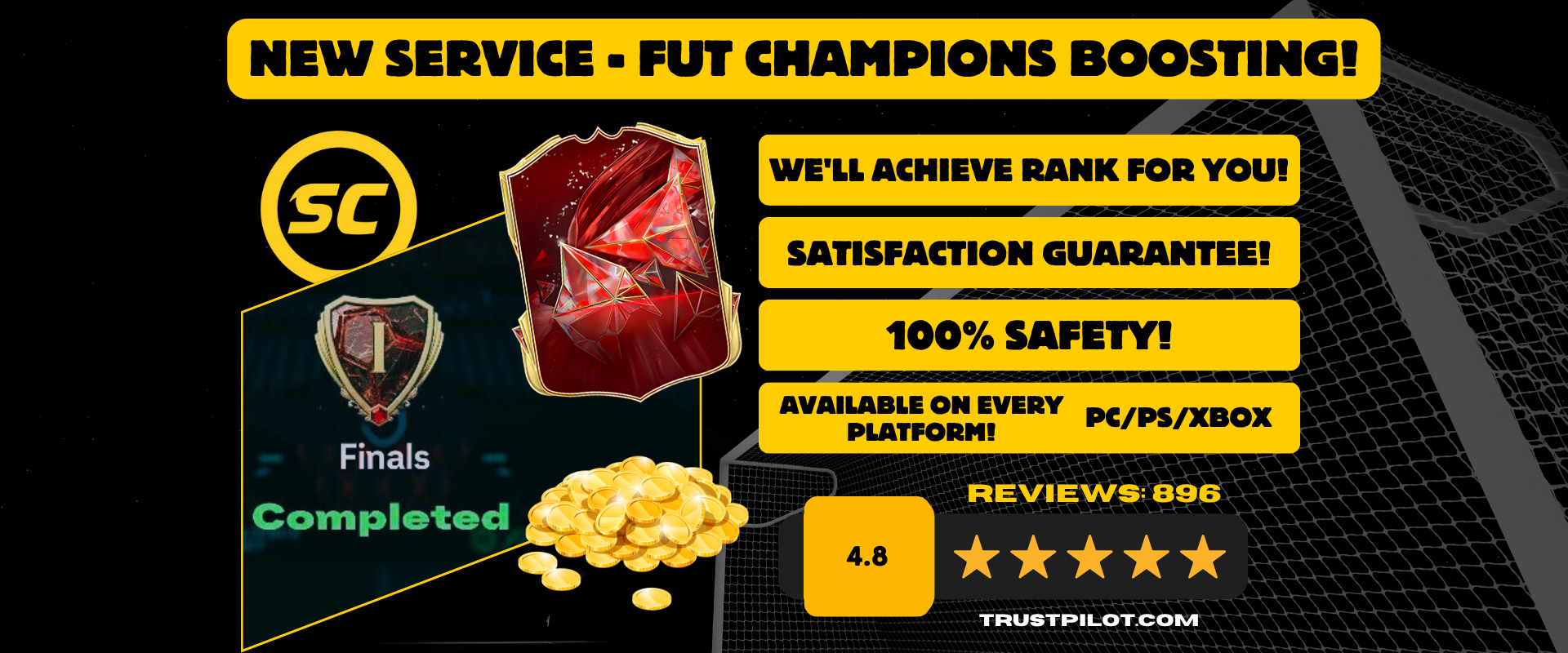
Boosting in UT Champions means that our specialist plays matches on your account and gets a specific number of wins so you can claim better rewards — without the pressure and the grind.
Boosting in UT Champions means that our specialist plays matches on your account and gets a specific number of wins so you can claim better rewards — without the pressure and the grind.
What is boosting in UT Champions and how does the service work?
Depending on the selected option, the booster plays a specific number of UT Champions matches on your account and aims for the highest rank possible. During that time, you do not log in to UT, and after it is finished, you claim the rewards.
In short
1
You place an order for the selected boosting rank/option
2
You provide the login details (Web App + platform, if applicable)
3
We schedule the service time (usually during the same UT Champions weekend)
4
You receive email notifications when the service starts and ends
5
After completion, you log in and claim your rewards
How the service works — step by step
1) You choose a boosting package at this link: boosting. Depending on the offer, you buy a UT Champions rank (the booster aims for the best possible result). If the full rank is not achieved, we settle it according to the rules described below.
Prerequisites: you must have access to UT and meet the entry requirements for UT Champions (e.g. required points / qualification — depending on the current in-game rules).
2) You provide the required login details:
- Web App details: EA email, password, 6 EA backup codes
- Platform details (console): PSN/Xbox login + backup codes if you have additional security enabled
- Platform details (console): PSN/Xbox login + backup codes if you have additional security enabled
Instructions on how to prepare the details and EA codes: WHAT DETAILS DO YOU NEED TO PROVIDE US WITH?
3) You add the service to the cart, pay for the order, and receive an email confirmation with the order number.
4) We contact you by email regarding the details and the schedule. You provide your preferred completion date — we adjust to it whenever possible.
5) Once the work starts, you receive an email notification (status: In progress). During this time: do not log in to UT (game, Web App, Companion) until the service is completed.
6) After completion, you receive a notification (status: Completed). You log in, claim your rewards, and if you have any doubts, you message us in the order thread.
Important — PS/Xbox backup codes
What do we require from you?
- Access to your EA FC Ultimate Team account (Web App) + EA backup codes
- Access to the platform (PS/Xbox), if you selected console
- Competitive squad (we do not offer boosting on squads made up only of bronze/silver cards)
If you are unsure about your squad, message us before purchasing. In practice, expensive cards are not required — a sensible, playable base is enough.
- Access to the platform (PS/Xbox), if you selected console
- Competitive squad (we do not offer boosting on squads made up only of bronze/silver cards)
If you are unsure about your squad, message us before purchasing. In practice, expensive cards are not required — a sensible, playable base is enough.
What do you gain from boosting?
- You save time and nerves - you do not have to play the whole weekend under pressure
- Security - the booster plays manually, without bots or cheats; your coins, packs, and settings remain untouched
- All platforms - PlayStation 4/5, Xbox One/Series S|X, PC (EA App)
- Ongoing support - email contact and live order status updates
- Security - the booster plays manually, without bots or cheats; your coins, packs, and settings remain untouched
- All platforms - PlayStation 4/5, Xbox One/Series S|X, PC (EA App)
- Ongoing support - email contact and live order status updates
Satisfaction or settlement of the difference
Our goal is always the highest result possible. However, you have to take into account the random factors involved: matchmaking, disconnects, opponent form, and temporary server issues.
If the full result/rank is not achieved, we settle it fairly:
If the full result/rank is not achieved, we settle it fairly:
- refund of the difference between the purchased rank and the achieved rank, or
- coin compensation (depending on the option and prior arrangements)
- coin compensation (depending on the option and prior arrangements)
The settlement details are described in the product offer and are also agreed by email during the order process.