




EA Sports FC 27 Crossplay
What is FC 27 crossplay?
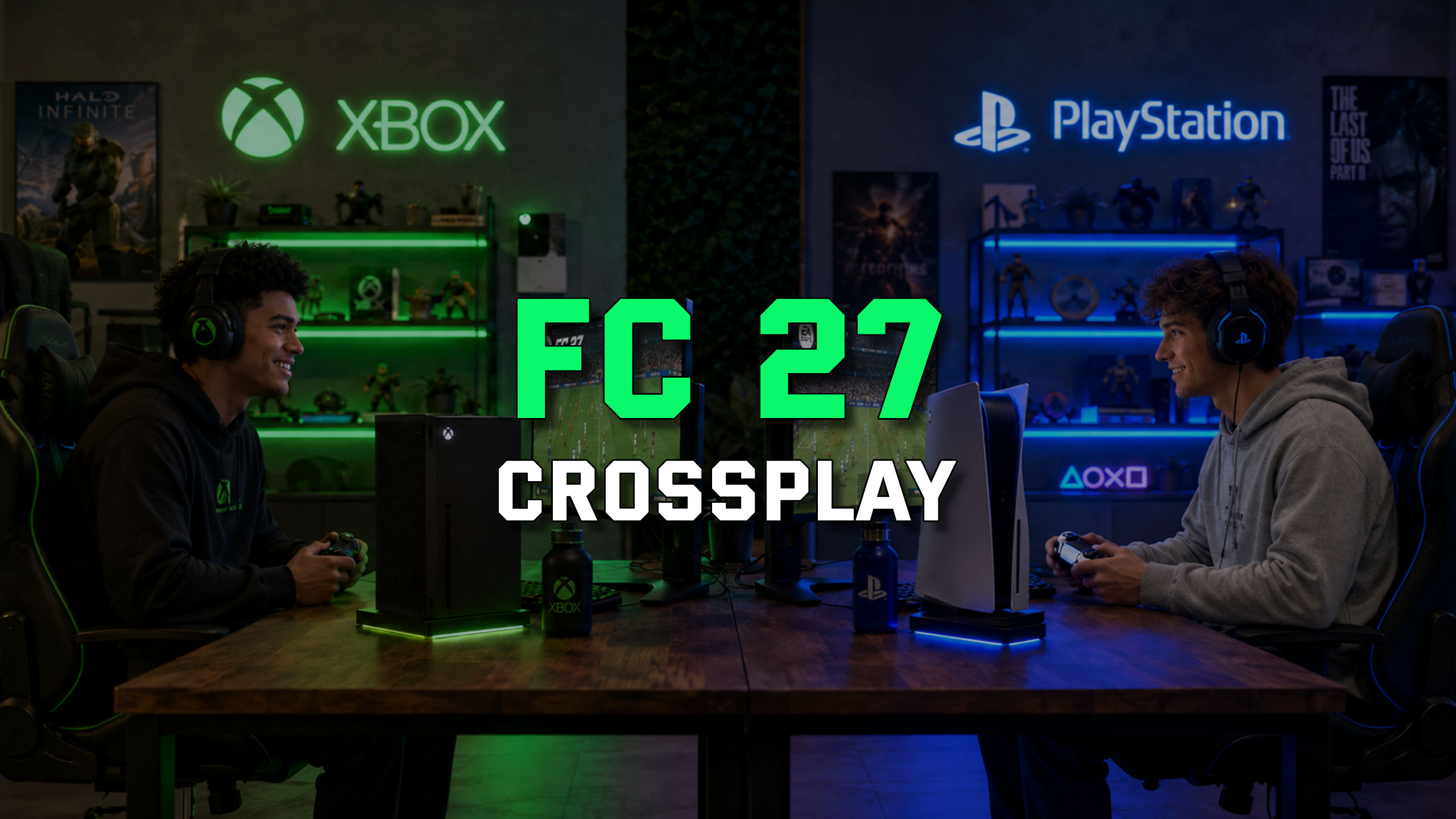
FC 27 crossplay lets you play online with people who are not necessarily using the same platform as you. Instead of being limited only to PlayStation, Xbox, or PC players, you can be matched with users from other supported systems in the same generation group.
Crossplay does not change the match itself. Your controls, tactics, gameplay mechanics, and performance still depend on your version of the game and your setup. The feature simply expands the online community around you.
This matters most in competitive and popular online modes. A larger player pool can help you find matches faster in Ultimate Team Rivals, Champions, Online Draft, Online Seasons, Clubs, and other online areas. It also makes it easier to keep playing with friends who bought FC 27 on another console family.
Supported platforms for FC 27 crossplay
FC 27 crossplay is based on platform generation. If you play on PlayStation 5, Xbox Series X|S, or PC, you are in the current-generation crossplay group. On PC, this includes players using the EA App, Steam, and Epic Games versions.
If you play on PlayStation 4 or Xbox One, you are in the previous-generation crossplay group. PS4 and Xbox One users can play with each other, but they cannot crossplay with PS5, Xbox Series X|S, or PC players.
Nintendo Switch and Nintendo Switch 2 are separate cases. Crossplay is not supported on those systems, so you can only play against users on the same Nintendo platform. If you are buying FC 27 mainly to play with friends, check their platform and generation first.
Enabled game modes with crossplay
Crossplay in FC 27 covers many multiplayer online modes. In Ultimate Team, you can use it in Rivals, Champions, Challengers, Online Draft, Play a Friend, Rush, Squad Battles Co-Op, Rivals Co-Op, and Friendlies Co-Op.
Outside Ultimate Team, crossplay is available in Clubs, Co-Op Seasons, Online Friendlies, Rivals, and Online Seasons. Clubs support is especially useful because it lets you build or join a club without being locked only to the platform of the club creator, as long as everyone belongs to the same platform generation.
Practical benefit: you have more people to play with. If you usually play at quieter hours or prefer modes where matchmaking can feel slower, crossplay gives the game a wider player pool to search from.
How to enable or disable crossplay
You can control crossplay in FC 27, so you are not forced to use it if you prefer a platform-only experience. In Ultimate Team, you can change the setting directly from the main UT menu.
You can also manage crossplay through the widget in the bottom-right corner of the main FC 27 menu. This is the EA Connect area, where you can search for friends on other platforms, send or accept friend requests, invite players, and manage block or mute options.
When crossplay is disabled, matchmaking is limited to your own platform. This can create a more familiar environment, but it can also increase waiting times.
How to play with friends across platforms
Playing with friends across platforms starts with finding them through EA Connect. If you have already met them in-game, search for their name as usual. If they are on another platform, use the correct identity: EA/Origin name for PC, PlayStation Network Online ID for PlayStation, or Gamertag for Xbox.
FC 27 also shows platform indicators when you search for players. If someone is on another supported platform, you will see a different indicator, which helps you understand whether you are inviting a same-platform friend or using crossplay.
Market and Clubs considerations
Ultimate Team is one of the areas where crossplay has a major impact beyond matchmaking. Players across most platforms share the same Transfer Market, which helps improve card availability and reduces the differences that can appear when markets are split into smaller groups.
PC and Switch continue to use separate Ultimate Team markets. Do not assume every platform shares exactly the same economy, card availability, or pricing.
For players, a broader market usually means more listings, easier squad building, and more consistent prices across the main console ecosystem. If you trade, snipe, or complete SBCs often, market structure matters because it affects how many cards you can find and how competitive pricing becomes.
In Clubs, crossplay follows the same generation rule as other modes. PS4 and Xbox One players can play together, while PS5, Xbox Series X|S, and PC players form the other group. A club is not restricted to the creator’s platform, so public clubs can be discovered and joined by compatible players from other platforms.
If you want Clubs matches to stay platform-only, disable your local crossplay setting and make sure you are the first player to enter the Clubs match lobby. That setting stays active until everyone leaves the lobby. Clubs crossplay applies to League, Playoff, Friendly, and Drop-In match types.
Conclusion
FC 27 crossplay makes online play more flexible, especially if your friends are spread across different systems. It expands matchmaking, supports a wide range of multiplayer online modes, and gives Ultimate Team and Clubs players a larger connected community to play with.
The main limitation is platform generation. PS5, Xbox Series X|S, and PC players can play together, while PS4 and Xbox One players form their own crossplay group. Nintendo Switch and Nintendo Switch 2 players remain outside crossplay, while PC and Switch keep separate Ultimate Team markets.
For most players, enabling crossplay is the best starting point because it increases the pool of available opponents and friends. If you prefer to stay within your own platform, you can disable the option at any time in the settings.
Check the Ultimate Team 27 offer at supercoinsy.com