




FC 27 Carryover: What Transfers From FC 26?
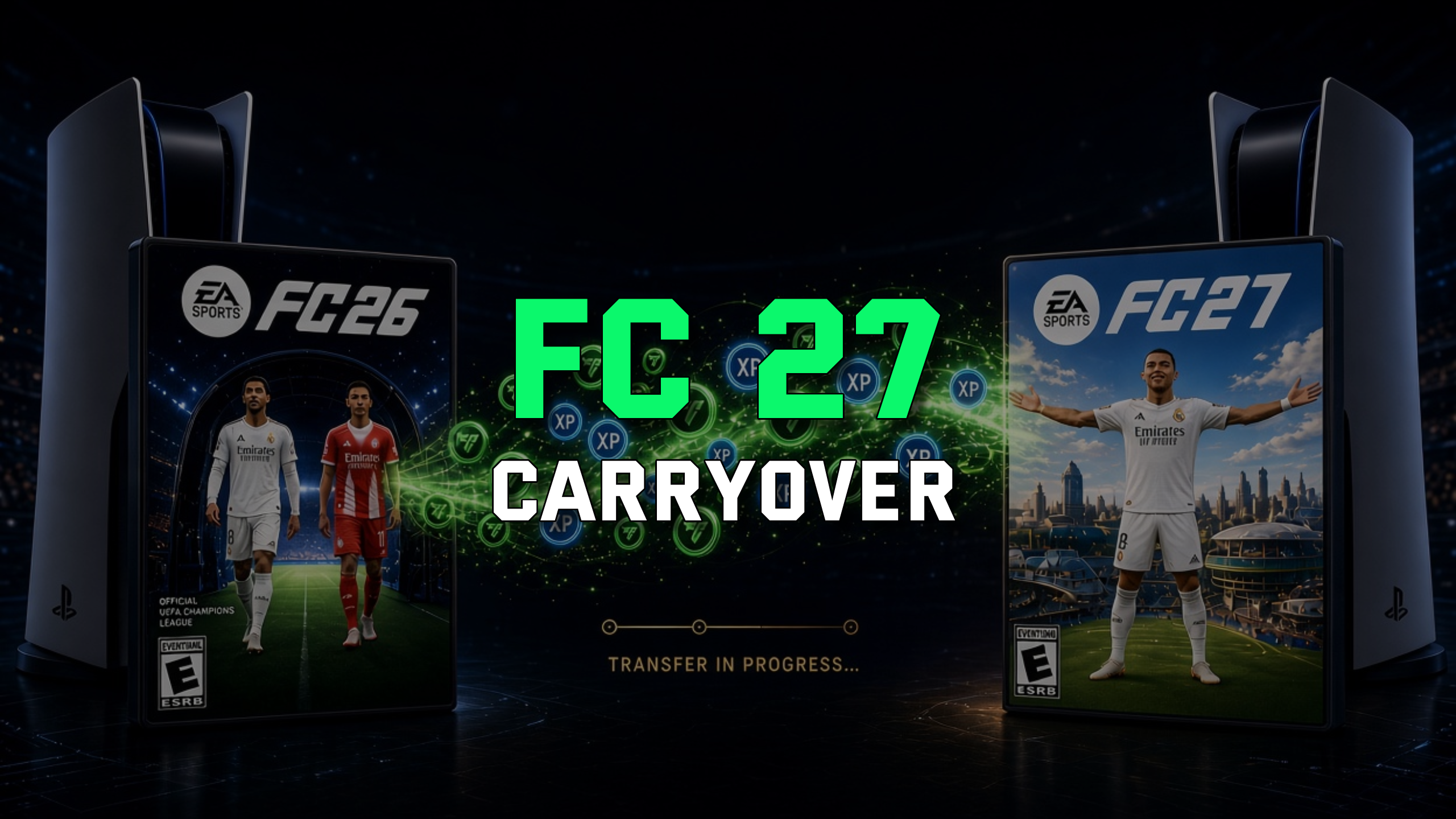
What carries over from FC 26 to FC 27?
Three things reliably carry over: unused FC Points, your Ultimate Team club identity, and your Division Rivals placement. Everything tied to your squad and your economy resets to zero.
The most valuable item is your FC Points balance, the currency you buy with real money. Unused FC Points can be transferred from FC 26 to FC 27 once you access Ultimate Team on the same platform; the transfer can only be completed once, and after confirming it your FC Points permanently move to FC 27 and cannot be transferred back.
Your club identity also survives the jump. Your Ultimate Team club name and established date carry over to FC 27, allowing your club to maintain its identity from previous seasons. Keep in mind that even though it carries over, EA will still ask you to confirm your club name and abbreviation when you first boot the new game.
Finally, your competitive standing counts. In FC 27, your starting Division in Rivals will consider the highest Division you reached in FC 26, which helps you reach an appropriate Division faster, earn better rewards sooner, and prevents new players from facing highly skilled veterans at the beginning of the season.
What does NOT carry over to FC 27?
Coins, player cards and packs do not carry over - full stop. This is the single biggest reason not to hoard anything in FC 26.
The practical takeaway: every coin sitting in your club when FC 27 takes over is a coin lost. Spend it on meta players before the switch, not after.
How does the FC 27 FC Points transfer work?
The FC Points transfer happens through a one-time pop-up the first time you launch FC 27 on your console or PC. You cannot start it in the Web App or Companion App. [KROKI] Transferring your FC Points - Make sure the PlayStation, Xbox or PC account you use for FC 27 is linked to the same EA Account you used in FC 26. - Launch the full FC 27 game (not the Web App or Companion App) on the same platform family. - When the transfer pop-up appears, choose to move your entire FC Points balance across. - Confirm - remember the transfer is permanent and cannot be reversed. [/KROKI]
The transfer stays within one platform family. Carryover is only supported on the same platform family: if you switch platforms - for example, playing FC 26 on PlayStation and starting FC 27 on Xbox or PC - your Ultimate Team club starts from scratch on the new platform.
Is there a deadline to transfer FC Points to FC 27?
Based on previous titles, the FC Points transfer window closes roughly at the end of December of the release year, so around 31.12.2026 for FC 27. EA has not published an official FC 27 deadline yet, so treat this as the historical pattern rather than a confirmed date.
There's no reason to wait, though. The transfer is offered the very first time you log into FC 27 on console or PC, so handle it on day one and forget about it. Keep in mind that skipping a title breaks the chain: if you played FC 25 but skipped FC 26, there's nothing to carry into FC 27.
The FC 27 carryover mechanics above follow the FC 25 to FC 26 scheme. Until EA publishes the official FC 27 carryover article, exact rules, dates and eligibility can change. Always confirm with EA's own help pages before making decisions you can't undo.
How to prepare your FC 26 club before FC 27
The single most important prep move is simple: don't die with coins in the bank. Since coins vanish at the switch, convert them into value while FC 26 is still live.
On the market side, the smartest window is right when the Web App opens. Prices are lowest in the first few hours, Foundations SBCs pay out packs before anyone floods the market, and your FUT Club name is available before half the player base is even online. If you've got coins ready, spend them on meta players early rather than sitting on them, because prices tend to climb once the full game launches.
FC 27 key dates you should know
FC 27 launches on 25.09.2026, with early access starting a week earlier for premium editions. The Web App and Companion App open before that, giving Ultimate Team players a head start.
To access the FC 27 Web App you need an Ultimate Team club created in FC 26 before 1.08.2026. Miss that window and you'll have to wait for the full game to build your club.
Frequently asked questions
Summary
Carryover from FC 26 to FC 27 is limited to three things: your unused FC Points (one-time, irreversible transfer), your club name and established date, and your Division Rivals placement. Coins, cards, packs, cosmetics and mode progress all reset.
The playbook is straightforward: spend every coin before the switch, redeem and transfer your FC Points on day one, climb Rivals for a better FC 27 start, and jump on the Web App early when prices are lowest. Keep in mind that these mechanics follow the FC 25 to FC 26 scheme until EA confirms the official FC 27 rules, so verify any deadline before you commit.
