




EA FC 27 - The Complete Guide For Web App
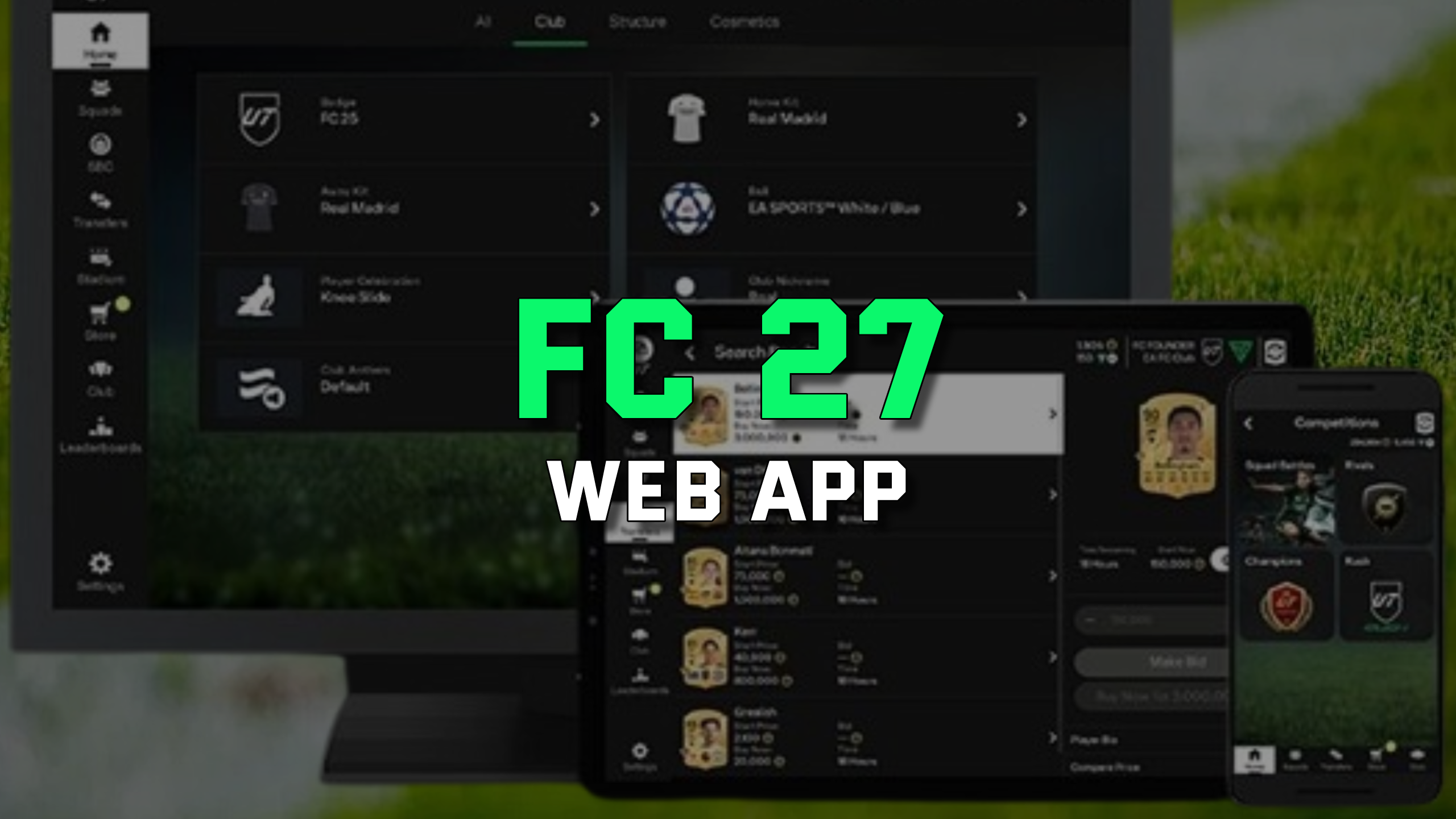
Transfer market still locked? See accounts with an unlocked transfer market.
When does the EA Sports FC 27 Web App go live?
The FC 27 Web App is expected to launch on September 16, 2026, more than a week before the full game release. The mobile Companion App should follow a day later. This is standard practice that gives Ultimate Team players a head start of several days.
The FC 26 Web App will be taken offline roughly five days earlier. From that moment, the Web App will only support your FC 27 Ultimate Team club.
Being active on day one gives you a real head start on the market and in SBCs. You can build your starting budget faster with FC 27 Coins from SuperCoinsy.
How to access the EA Sports FC 27 Web App?
You can also sync the Web App with the official Companion App on iOS or Android. Both apps stay perfectly aligned, so changes in one appear instantly in the other.
First 48 Hours: what to do step by step?
The first few hours after the Web App goes live are crucial for developing your club. Instead of spending your Coins randomly, it is worth following a few specific steps in the right order. Below, you will find a checklist to help you quickly build the foundations of your squad and make the most of your first 48 hours.
Start by claiming all available starter rewards. Then, go through the Objectives tab and check which tasks you can complete right away. Focus primarily on simple objectives that do not require you to spend a large number of Coins.
Complete the easiest objectives you receive at the beginning of the game. They can provide you with additional packs, players, Coins, or other rewards that will help you start building your club.
Next, focus on the Foundations SBCs. They are one of the best ways to use your starting fodder and earn additional packs. Do not automatically sell every player you receive at the beginning — some of them may be much more useful in SBCs.
Choose your club name and set up its basic identity. It is worth doing this early rather than putting it off until later — you will already be spending the first few hours organizing your new club.
Do not try to build the perfect team straight away. First, put together a cheap, playable squad that will allow you to complete further objectives and start earning rewards from matches.
After the Web App launches, pay particular attention to players who are strong in the current meta while still being relatively affordable. If you have enough Coins, this is the right time to buy some key upgrades for your squad.
At the beginning of a new cycle, it is natural to want to save every Coin. However, when it comes to early meta players, this can mean missing out on good opportunities. If you find players you genuinely want to use, consider spending your Coins early rather than waiting.
The market can change very quickly at the beginning of the cycle. Players who are highly sought after immediately after the Web App launches can see significant price changes over time. Therefore, do not assume that every card will be cheaper a few days later — especially when it comes to players needed for early squads.
After completing the Foundations SBCs, review your club again. Check which players you can use in upcoming SBCs and which ones are worth keeping for your squad. Do not sell cards without thinking if they could be useful for completing current objectives.
After two days, you should already have a basic squad, completed the most important starter objectives, made progress with the Foundations SBCs, and added your first upgrades from the Transfer Market. At this point, decide whether to spend your next Coins on additional players, SBCs, or further investments on the market.
Do not treat your first Coins solely as capital to hold onto. If you find meta players you want to use early in the cycle, buying them sooner can make sense — as the market develops and demand increases, the prices of popular cards may rise.
How to open or buy a pack in the Web App?
Go to the Store tab in the left menu. Available packs are displayed with their prices in FC Coins or FC Points, along with drop rate information.
Select a pack and click "Open Pack". Items are added directly to your club, where you can keep, sell or use them in SBCs. The Web App is especially efficient for mass pack openings and quick duplicate listings.
How to unlock the Transfer Market in the FC 27 Web App?
New players must complete the Foundations objective group. Tasks include playing matches (Rivals, Rush, Squad Battles), completing SBCs, scoring goals and assisting.
After finishing all objectives you will receive an in-game confirmation. Full access activates after 24 hours on console or 48 hours on PC.
Previous transfer market restrictions from FC 26 do not carry over, so you begin FC 27 with a clean slate.
Summary
The EA Sports FC 27 Web App is an essential tool for Ultimate Team players who want flexibility and speed. From trading and SBC completion to pack openings and squad management, everything is accessible from your browser.
Log in safely, unlock the Transfer Market and use the Web App daily to stay ahead of the competition throughout the FC 27 season.
See also our full collection of EA Sports FC 27 guides.
